

▶Lesson ContentUpdated
Introduction
Digital ownership is the new feature of web3. Using blockchains, cryptocurrencies, and NFTs, web3 gives ownership and power back to users. This online ownership of digital financial products is new for many, and that lack of experience gives opportunities for predatory people to scam and steal the assets of others. These scams work so well because most people aren’t aware of how they work.
But, it's not just web3 that suffers from scams, web2 services like email and social media are full of scams as well. In addition, many web3 tools are still tied to web2 services like bank accounts or centralized exchanges so protecting those is important too. So congratulations, Academy Explorer, on taking the time to arm yourself with the knowledge that will protect you as you venture out into web3!
This lesson will cover:
- Web2 & web3 security.
- The most common ways people lose their funds and how to protect oneself from them.
- A general strategy for wallet security.
- How one can recover if they are the victim of a scam.
Money in Web2
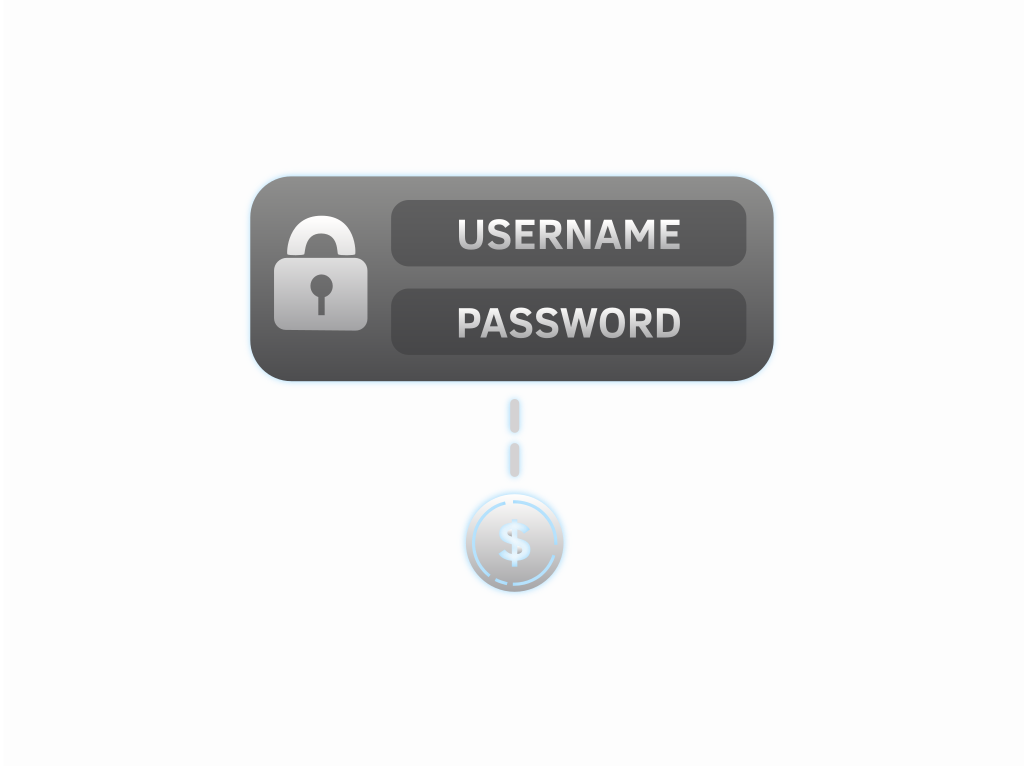
In web2, the institutions hold money on behalf of people. A user must prove their identity to an institution in order to access and use their money. It’s the same as a bank account or a centralized exchange (CEX); one needs a login ID and a password.
For a scammer to gain access to your money, they need this ID + password combination. Because the institutions are charged with protecting your money, fraudulent transactions can be reversed - like a credit card transaction dispute.
Money in Web3
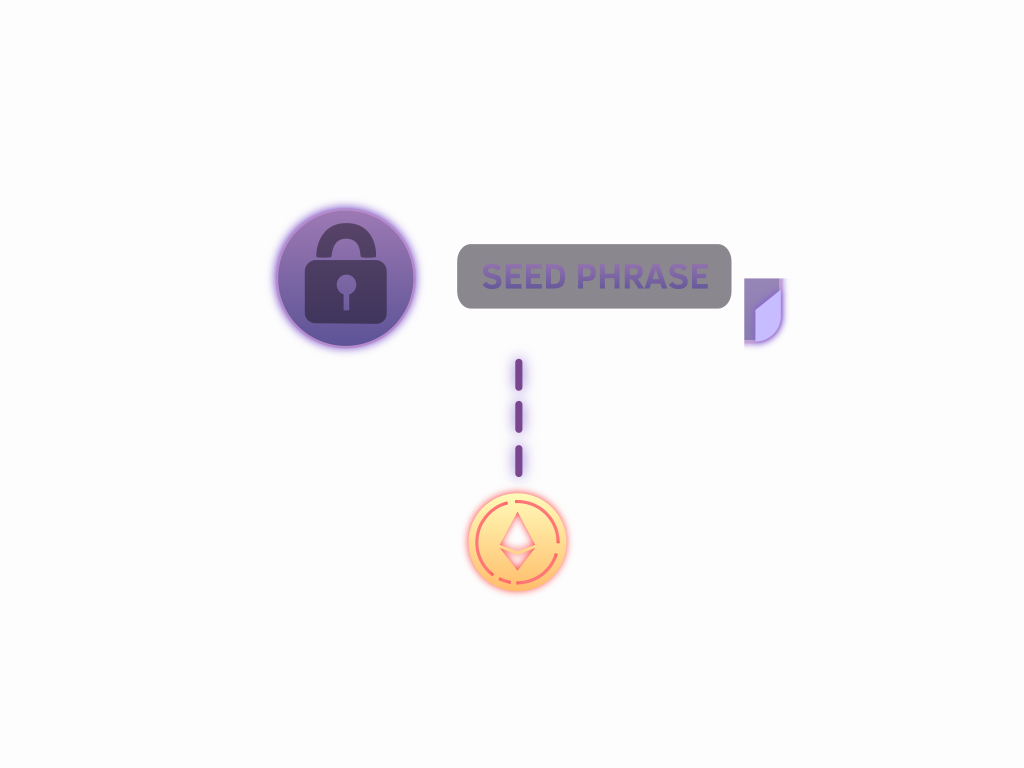
In web3, money works differently. It’s more like a locked cash wallet; once money is spent, it’s gone. Your seed phrase (that special set of secret words) unlocks your private keys, so anyone who obtains it controls your wallet. Never give it to anyone, and never store it digitally; photos and notes apps can get compromised.
But your seed phrase isn’t the only target: one malicious signature (a transaction or message you approve) can let a scammer drain your tokens without ever seeing your seed phrase. Protect your seed phrase and your signature.
Knowledge Check 1
True or false? Scammers can drain tokens from your wallet by tricking you into signing a malicious transaction or approval, without ever knowing your seed phrase.
-
[ ] True
-
[ ] False
Secure Seed Storage
There are many methods for storing seed phrases securely, but a good start is to keep it on physical media (laminated paper or similar) and store it in a water- and fire-proof safe in your own home. Do not store a seed phrase as a photo or other digital methods - even in a password manager.
Bad places to store seed phrases include:
- In a filing cabinet
- Digital notes application
- At your workplace
- Digital photo
Wherever you store your seed phrase, you should ensure that only you have access to it and that it is protected from loss and destruction. You never know what might happen in the future!
Protect your Passwords
Healthy password usage and management is an important piece of everyday internet exploration.
Passwords should be different for each and every web2 service used online. This includes services like email, centralized exchanges, and other service accounts. It’s problematic if someone manages to get the ID + password for one account, but it’s far worse if that combination unlocks all of your accounts!
Password manager applications like 1Password, Bitwarden, and KeePass securely store and encrypt multiple passwords; they can even generate new high-security passwords and store them automatically. The user just has to remember a single master password.
Do not store a web3 seed phrase in a password manager; it takes just one password breach to obtain all of your web3 assets and there is no one to recover your assets for you.
Knowledge Check 2
Why are password managers helpful?
-
[ ] People only have to remember their master password to use them.
-
[ ] They generate and store strong, unique passwords.
-
[ ] They encrypt passwords to keep them secure.
-
[ ] All of the above
Two Factor Authentication
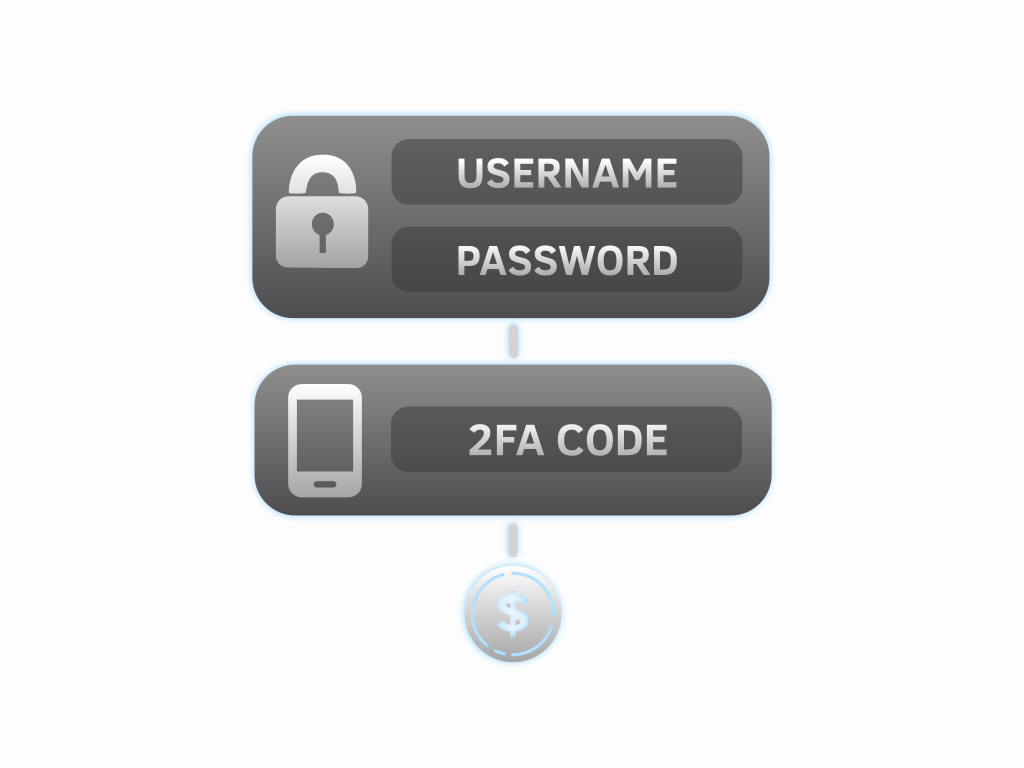
Two Factor Authentication, also known as 2FA, is a secondary layer of web2 security.
Many people have had their accounts hacked or credentials stolen despite strong passwords. Web2 websites (and even password managers) often support 2FA as a second layer: proof from another device or app, in addition to your normal password.
Not all 2FA is equal:
🥉 SMS codes are the weakest option: scammers use social engineering to “SIM-swap” your phone number onto their own device and receive your codes. Still, SMS beats having no 2FA.
🥈 Authenticator apps (like Google Authenticator, 2FAS, or Aegis) generate codes on your device, a solid choice for most accounts.
🥇 Passkeys and hardware security keys (like a YubiKey) are the phishing-resistant gold standard: tied to the real website, they simply won’t log in on a fake look-alike.
Knowledge Check 3
Why is two-factor authentication strongly recommended?
-
[ ] It’s impossible to hack an account when the user has 2FA enabled.
-
[ ] It adds another layer of security to web2 accounts.
-
[ ] It makes passwords stronger.
-
[ ] All of the above
Social Engineering Scams
In both web2 and web3, scammers use phishing tactics to trick people into giving up their passwords and seed phrases, or signing a malicious transaction. Often they’ll pretend to be product support staff offering help, “Hello this is Metamask support”, or pretend to be an admin of a community, “New NFT mint, exclusive for our community”.
They use social engineering to pressure people. Examples include:
- “Time is running out!” - making you feel rushed.
- “Congratulations you won our giveaway!” - making things feel exclusive.
- ”Get early access to our pre-mint!” - generating
FOMOin the person being scammed.

Fear Of Missing Out
FOMO stands for the ‘Fear Of Missing Out’, it’s the stressful feeling that you’re not going to get a great benefit or opportunity unless you do something right now.
The best defense against FOMO is to simply take a step back from your computer and take a break. People don’t think clearly when they’re stressed, that’s why FOMO is such an effective scamming tool. By stepping away from the situation, it becomes much easier to spot the scams for what they are.
Knowledge Check 4
How do scammers use social engineering?
-
[ ] Pretending to be an authority in a community.
-
[ ] Pressuring people with short amounts of time.
-
[ ] Offering giveaways or free NFTs to generate FOMO.
-
[ ] All of the above
Social Media Safety
Scammers love to engage on social media and in the Discord servers of crypto projects, typically moving conversations into direct messages to avoid being spotted by experienced members. Talk in public areas, and never give your seed phrase to anyone, or sign anything from a link sent in a DM.
Social media red flags:
🚩 Language and grammar errors: They’re/their/there, etc.
🚩 FOMO: “Don’t miss out!”
🚩 Impersonation: an admin, support desk, Vitalik Buterin, Elon Musk, etc.
🚩 Guaranteed returns: Nothing is guaranteed in crypto.
🚩 Unrequested links and offers, especially in direct messages.

Social Media Best Practices
Practices for staying safe:
✅ If they have to direct message you to sell their product, you probably don’t want it.
✅ Check the project follower and member count - though these do not guarantee project legitimacy, quality, or stability.
✅ Verify everything with an outside source, like another official project account.
✅ If you’re ever uncertain, check with reputable members from a large community you trust - and ask in public.

Scam-Tokens & Address Poisoning
Random tokens or NFTs appearing in your wallet? Scam-tokens are transferred to thousands of wallets at once, hoping someone tries to move or sell them, triggering malicious code hidden in the token’s smart contract, or luring victims to a phishing website that asks for a seed phrase or a malicious signature. The best response: don’t interact with them at all; leave them alone or hide them in your wallet.
A related trick is address poisoning: scammers send tiny transfers from an address crafted to look almost identical to one you use, matching its first and last characters. Copy an address from your transaction history later, and you may grab the scammer’s look-alike instead.
Protect yourself:
- Don’t copy addresses from your transaction history.
- Verify more than the first and last few characters.
- Send a small test amount before large transfers.

Malicious Approvals & Blind Signing
Today, most funds are lost not to stolen seed phrases but to signatures given away. “Wallet drainer” phishing kits present a transaction or message that looks routine, but isn’t:
- Malicious approvals: a single approval transaction can give a scammer’s contract unlimited
token allowanceto spend your tokens or NFTs. - Signature phishing: gasless signature approvals (like Permit2) can authorize token transfers, no transaction required.
- Delegation drains: a newer wallet feature (EIP-7702) lets one signature install code on your account; drainers abuse this to auto-sweep wallets.
Signing what you don’t understand is called blind signing, and even professionals get burned: in February 2025, the Bybit exchange lost roughly $1.5 billion approving a transaction whose display had been tampered with.
Your defenses: slow down, read every signature request, treat “verify your wallet” prompts as hostile, and use a wallet that simulates transactions before you sign.
Knowledge Check 5
You receive a DM: “Your wallet needs migrating: connect at metamask-upgrade.app and sign to verify your assets.” The site asks you to sign a gasless approval. What’s wrong here?
-
[ ] Nothing: signatures are free and can’t move funds.
-
[ ] It’s only dangerous if you also type in your seed phrase.
-
[ ] It’s safe because support teams contact users by direct message.
-
[ ] It’s signature phishing: the signature could drain your tokens.
Hardware Wallets
If you remember from our Wallet Basics lesson, a hardware wallet keeps your private keys on a dedicated device, away from your internet-connected computer. This makes your funds much safer: malware can’t read your keys, and a thief would have to physically steal the device and break into it. Popular options include Ledger, Trezor, and Keystone. Always buy directly from the manufacturer.
You can even use a hardware wallet through browser extension wallets like MetaMask, combining convenience with hardware security. Ledger has written their own guide on setting this up.
One limit: a hardware wallet signs whatever you approve, so blind-signing a malicious transaction still loses your funds. Always verify the details on the device’s own screen before confirming.
Knowledge Check 6
True or false? A hardware wallet only keeps your funds safe if you verify each transaction before approving it.
-
[ ] True
-
[ ] False
Wallet Strategies
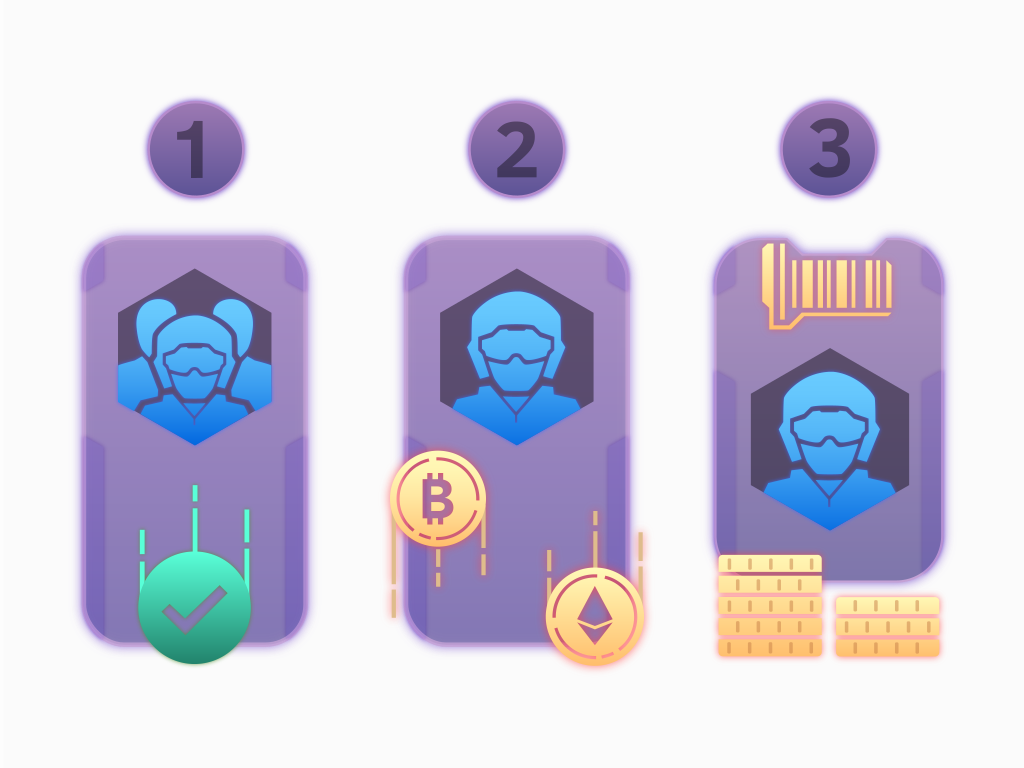
After adding a hardware wallet to your setup, one of the best ways to secure your funds is to keep them spread between multiple wallets. Here is a compartmentalized strategy using three separate wallets:
- Social Wallet: A
hot walletholding little to no funds, used for logins, minting, and trying out new dapps. Assume anything in it could be lost. - Trading Wallet: A
hot walletfor trading and other activities involving funds that may need to be moved on short notice. - HODL Wallet: A
hardware walletfor the long-termHODL: these are funds intended to hold for a long time. Never use this wallet to interact with smart contracts or unfamiliar websites.
👍 PROs: Separation ensures that scams only threaten funds in that particular wallet rather than everything.
👎 CONs: It’s more complicated to keep track of, but many wallet applications allow you to name your wallets.
Knowledge Check 7
We recommend keeping your funds _______________ for higher security.
-
[ ] stored in multiple airdrops
-
[ ] locked in multiple NFTs
-
[ ] separated in multiple wallets
-
[ ] liquid in multiple addresses
Recovering from Web2 Scams
Hopefully you have not already fallen victim to a scammer. If you have, there are some steps you should take to secure your accounts once more.
For a scam involving a web2 service, like Gmail or Discord, you should:
- Change your password on the affected account.
- Where it’s available, use the “sign out everywhere else” button to kick the scammers off your account.
- Enable
2FA: ideally a passkey or hardware security key, otherwise an authenticator app. - Report the scam to the service involved.
- Ensure your email account is also secure.
- Discuss the scam with friends or trusted community members.
Recovering from Web3 Scams
Contracts must be given explicit permission to spend tokens on Ethereum. The token allowance is how much you’ve allowed a specific contract to spend. Keeping allowances low reduces the risk to your assets.
Web3 doesn’t have anyone in charge of protocols to report scammers to, but you can still take action:
- Immediately move any funds still in the compromised wallet to a different wallet address, make sure the new address has a different seed phrase.
- Review and revoke your token
allowanceswith revoke.cash (works across many networks) or etherscan.io/tokenapprovalchecker. Revoking costs gas; revoke.cash has a walkthrough guide. - Also check revoke.cash’s “Delegations” tab for any wallet delegation you don’t recognize, and remove it from inside your wallet app.
- Use a
hardware walletin the future, and verify everything you sign. - Warn others by reporting the scam to the affected community.
- Discuss the scam process with friends or trusted community members to see how you can protect yourself and others in the future.