
▶Lesson ContentUpdated
Wallet Intro
Greetings Bankless Explorer!
It’s time to dive deeper on your journey into the blockchain multiverse. Every Explorer in this space eventually needs to create a crypto wallet.
Wallets are kind of like the accounts from the web2 internet that you’re used to. You’ll use a wallet to log into the blockchain ecosystem, also known as web3, where you’ll be able to use cryptocurrency and connect to blockchain apps!
In this lesson, we’ll introduce you to wallets, how they work, and how to keep your cryptocurrency secure. We’ll end with a guide on how to set one up and access the Ethereum blockchain, the home of Bankless Academy.

Wallet Definition
What exactly is a crypto wallet?
The short definition is: an account on a blockchain, used to store digital assets and log into blockchain apps.
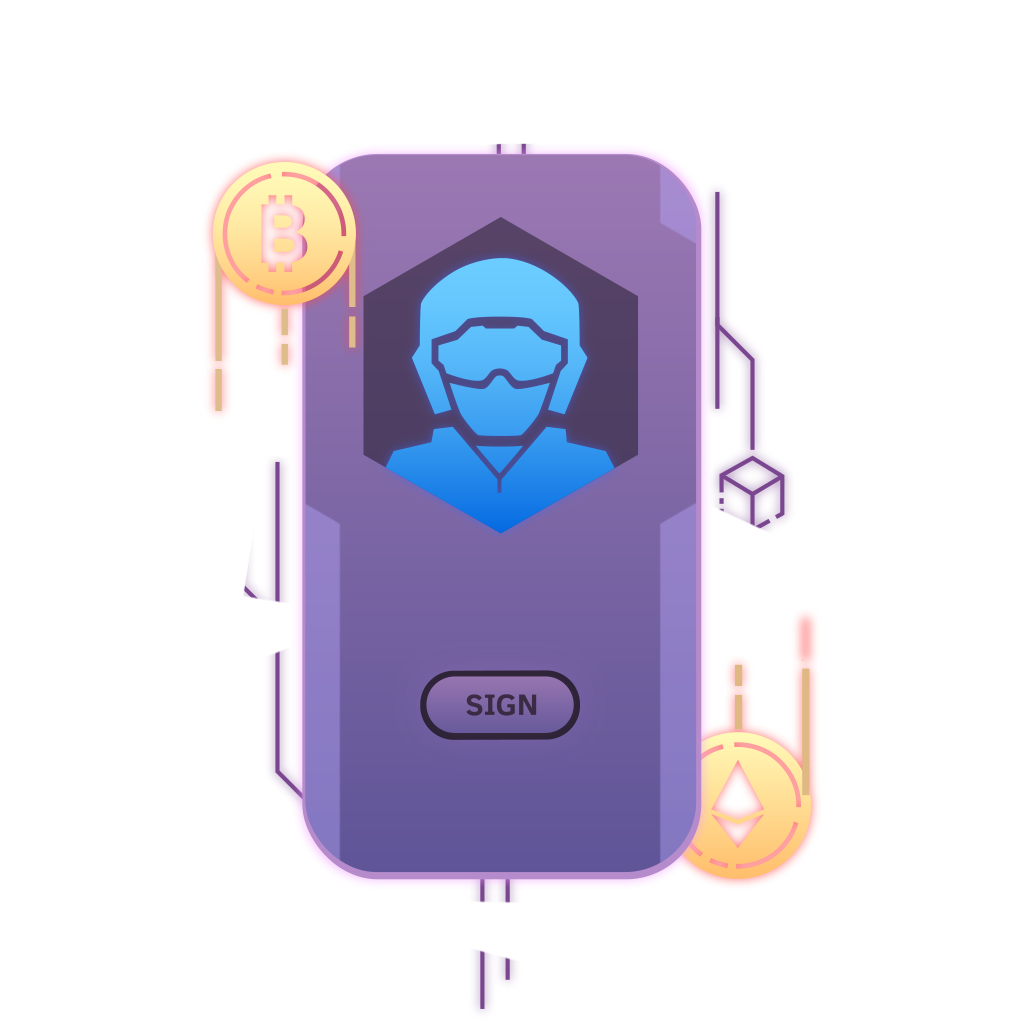
It’s like having your own personal safe on the internet, and you hold the only key for unlocking it. At the same time, this safe is similar to a regular website account. You can use it to make purchases, send or receive cryptocurrency, and interact with a blockchain.
However, unlike the web2 accounts you’re used to, a single wallet can access an entire blockchain, and a large number of blockchain apps. It’s like having one account for the entire internet.
Is creating a wallet difficult?
It used to be difficult, but these days anyone can create a wallet quite easily.
If you are comfortable with downloading and installing software on your computer (or apps on your phone), then you’ll have no trouble creating your first wallet.
The trickier part of managing a wallet involves keeping it secure, which we’ll dive into shortly!
Choosing your wallet app may also feel intimidating. This is the app that you will install on your device to access your wallet on the blockchain. We recommend starting with the Zerion wallet app: it’s user friendly and has access to many popular blockchains. As you get more comfortable in the web3 space, you will likely explore other providers and create multiple wallets.
Knowledge Check 1
What is a wallet?
-
[ ] A blockchain
-
[ ] A cryptocurrency
-
[ ] A digital collectible
-
[ ] A blockchain account
Wallets & Password Recovery
Here is one of the most important things to understand about web3 wallets:
There are no “password resets” or “password changes”.
Most of us are used to these features. If we forget a password, we click a button, do a few things, and get a new password. Easy.
Not so with crypto wallets. Because of how blockchains work, wallets are assigned an “address” and a complex “password” when they’re created, and you do not choose these.
This address and password combination cannot be changed, although you can always create a new wallet if you need to. Some newer wallets add recovery features, but never rely on that. Let’s learn a bit more about these special addresses and passwords, so that we can feel confident using them!
Your wallet’s public key
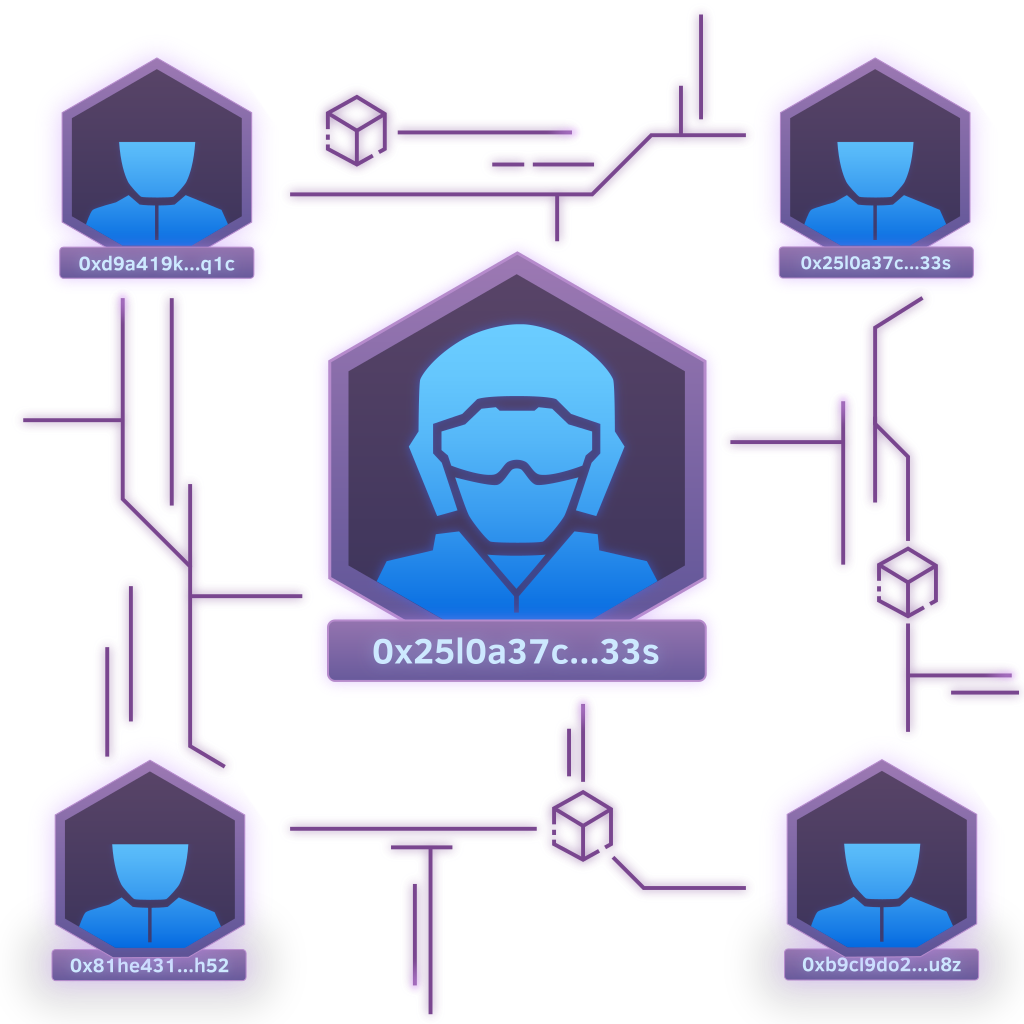
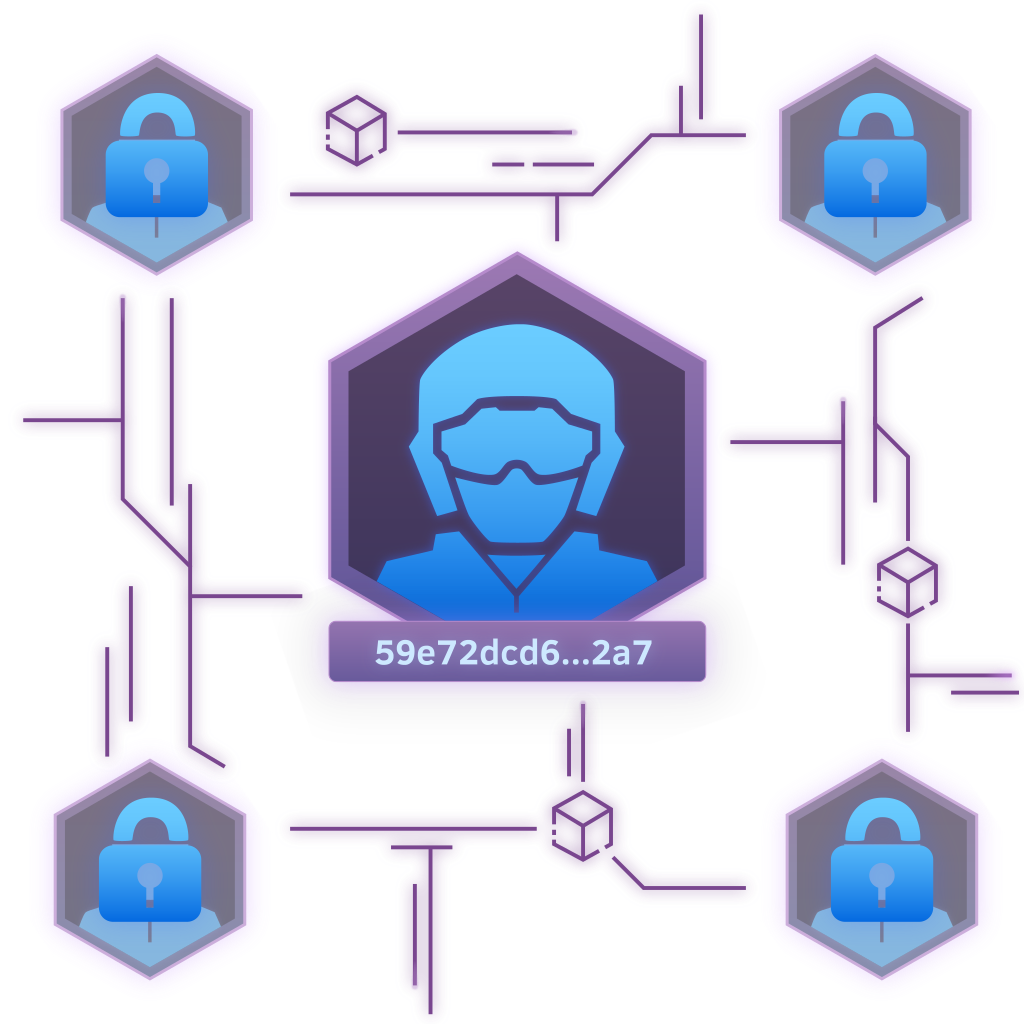
Your wallet’s address is created from its public key. Think of the address as your username: it often looks like a random series of letters and numbers.
Example: 0xe1887fF140BfA9D3b45D0B2077b7471124acD242
It is possible to create easier to remember versions of this with some web3 services, but that’s a lesson for another time.
You can also think of your address like a house address. It is public, anyone can see it, and it tells others where they can send you crypto assets, without revealing anything personal about you.
It is perfectly safe to share your wallet’s address.
Note: A single wallet app can hold multiple public/private key pairs.
Your wallet’s private key
If your address is like a house address, then the private key is like the key to the front door. It’s the “password” to your funds and assets.
Example: eceac283e04f121cbd40b69e16ab9dec0220df80bf092a4c72b53e69cf74d215
It’s never safe to share this key: you could lose your wallet and everything in it.
Most people recommend that you do not even save it digitally. Whoever has access to a private key has access to whatever is in the wallet.
This is more than just a password. You cannot reset it if you lose access to it.
Luckily, most blockchain apps do not require you to type a long, complicated string of characters every time you need to send funds or sign a blockchain transaction. The private key usually operates quietly in the background.
Knowledge Check 2
Your wallet address is like your _____ and your private key is like your _____ .
-
[ ] Routing Number / Account Number
-
[ ] Email address / Zip code
-
[ ] House address / House key
-
[ ] Phone Number / Passport Number
Recovery Phrase
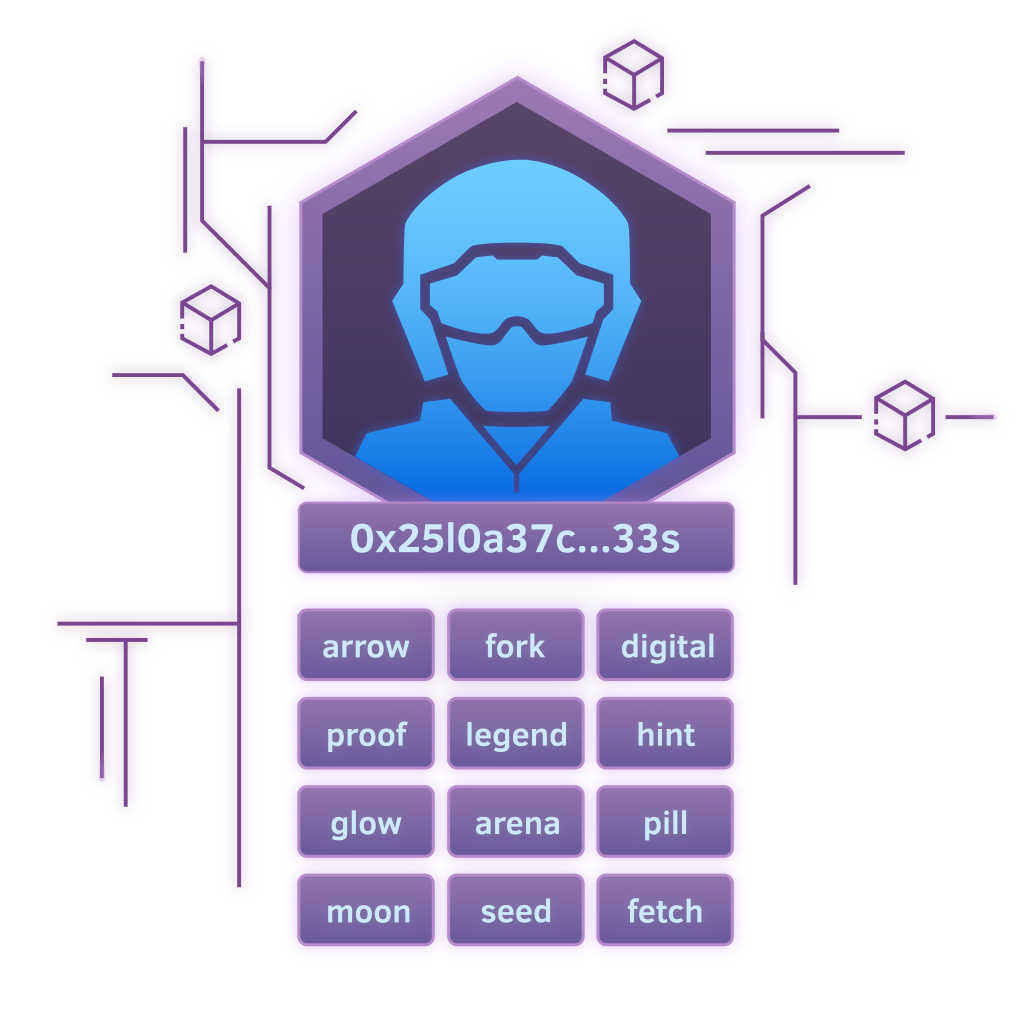
When you set up a new wallet, your wallet app will provide you with a recovery phrase.
Also called a “seed phrase” or “secret phrase”, this string of words can be used to access your wallet and crypto assets if:
- Your
wallet appor device fails unexpectedly or is damaged. - Your device has been lost or stolen.
- You want to access your wallet on multiple devices.
Most recovery phrases are a list of 12 to 24 words that represent a unique piece of data. This data is used to generate both the public key and private key for your wallet.
Wallet recovery does not change or reset the keys.
Your recovery phrase is like a master key: it can recreate every key pair in your wallet. Never share your recovery phrase.
Knowledge Check 3
Can you access your wallet with a recovery phrase if your device gets damaged or lost?
-
[ ] No
-
[ ] Yes
Types of Wallet
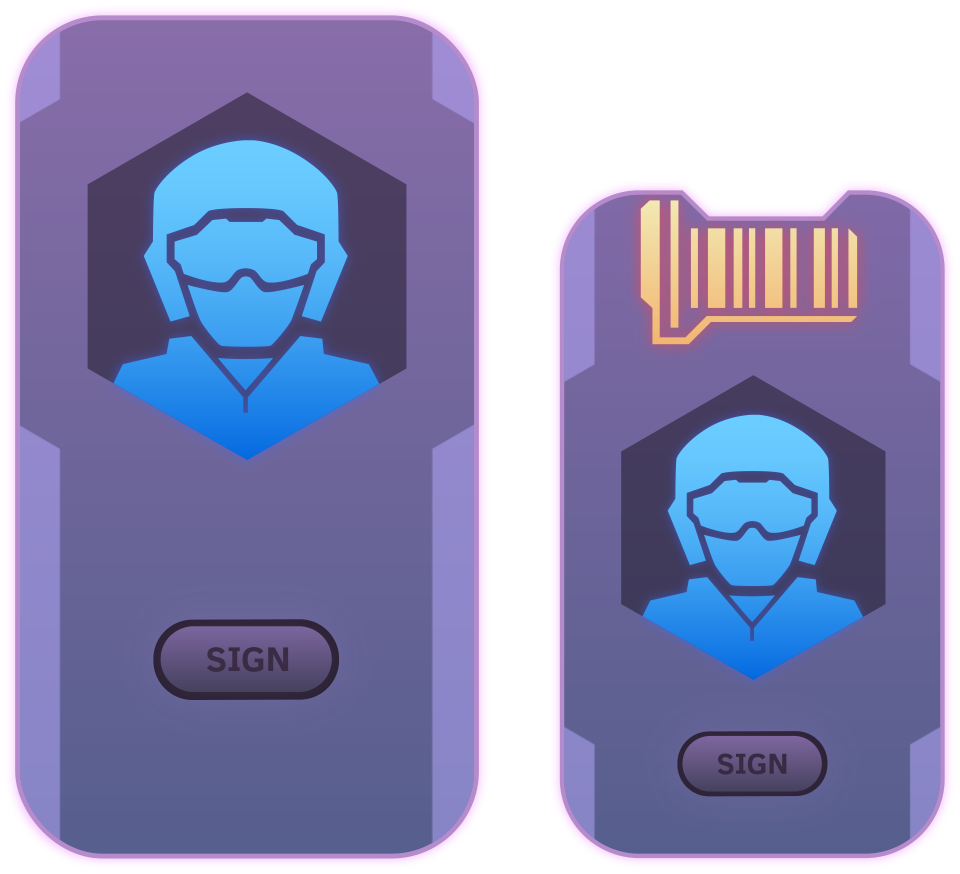
Just as there are many types of computer software, there many types of wallet. Let’s look at the four main categories:
- 🏦 Custodial wallets: where a third party is responsible for your private keys.
- 👤 Self-custody (non-custodial) wallets: where you are responsible for your private keys.
There are two styles of self-custody wallet:
- 🔥 Hot wallets: software on your desktop or phone.
- 🧊 Cold wallets: a piece of hardware (like a memory stick) you store somewhere safe.
You may also hear about smart wallets: an emerging type that runs code, enabling extras like passkey logins and account recovery.
Each wallet serves a different use-case. Don’t worry, we’ll only be creating one wallet today.
Custodial Wallets
Since your private key unlocks access to your wallet, keeping it safe and secure is very important!
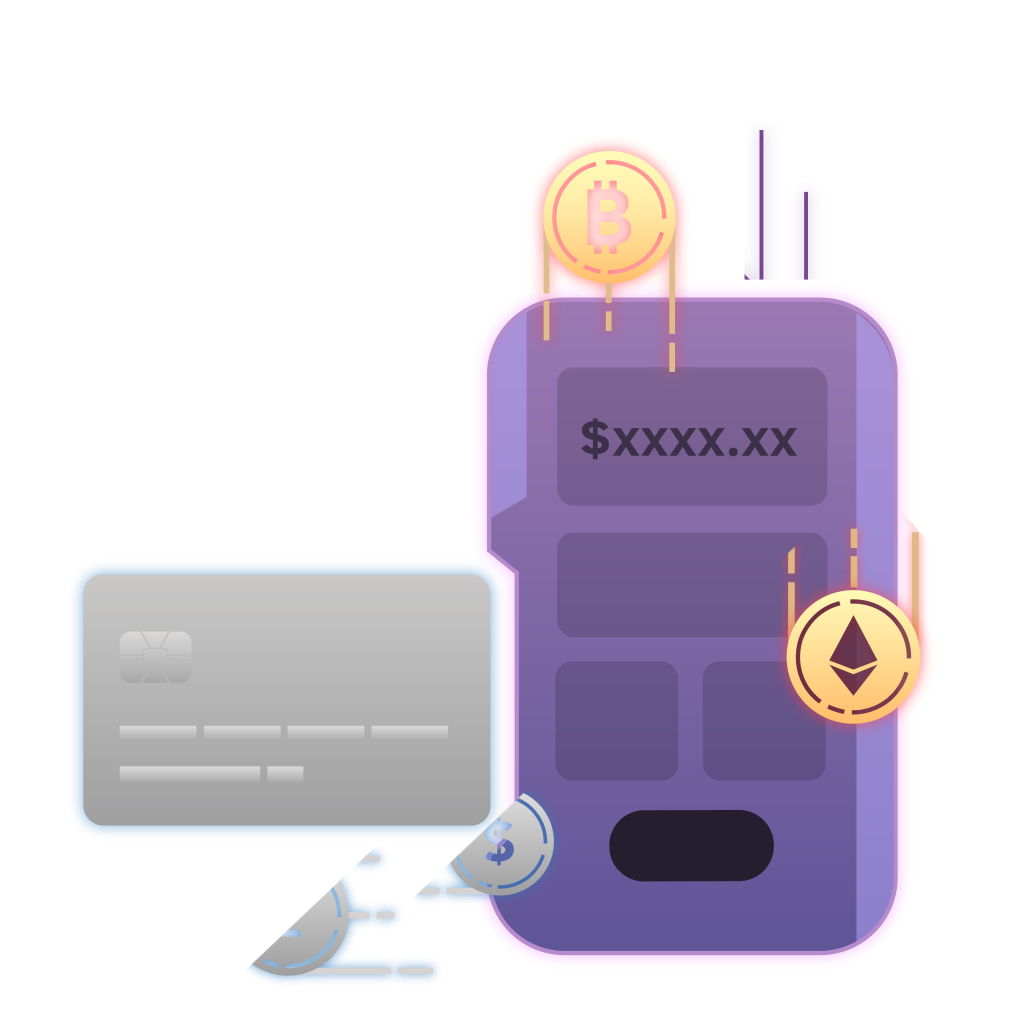
Custodial wallet services include cryptocurrency exchanges such as Coinbase and Kraken. They are your wallet custodian: they look after your private keys for you. You access their services like any other website (with an email login and resettable password).
This may be all some people need, but it requires you to trust these third parties to secure your crypto assets and give you access when you want to trade them or send them somewhere. Also, your access to some blockchain apps may be limited.
Knowledge Check 4
Do you control your private key with a custodial wallet?
-
[ ] Yes
-
[ ] No
Non-custodial Wallet
A self-custody wallet (like Zerion or Trezor) is when you fully control your private key. You have no custodian, and you alone are responsible for keeping your private key safe.
These wallets offer the widest range of access and freedom within the world of web3. You never have to worry about a third party freezing or mishandling your funds.
The trade-off is in risk: if you lose access to your recovery phrase, or your private key is compromised, there is often very little you can do to restore access to the wallet.
Whichever route you choose, it pays to be familiar and comfortable with wallet security. We’ll give you some tips before you complete this lesson.
Knowledge Check 5
Are you responsible for your private key with a self-custody wallet?
-
[ ] Yes
-
[ ] No
Hot Wallets
You will hear the terms “hot” and “cold wallet” quite a bit in web3.
A hot wallet is a wallet accessed via an app on your device, the Zerion app for example. Similar to many web2 apps, a wallet app is consistently connected to the internet.
Your private key is encrypted and stored inside the wallet app, and is only accessed when you interact with the blockchain. These wallets are named ‘hot wallets’ for this “hot” connection between the internet and your private key.
Hot wallets are convenient for small day-to-day interactions, much like a physical wallet you keep in your pocket. We’ll be creating a hot wallet today!
Cold Wallets
As you dive deeper into your web3 journey, you will come to know a landscape full of interesting tech trade-offs.
Cold wallets grant higher security at the cost of convenience. A cold wallet is one where your private key is stored on a dedicated hardware device (like a memory stick or external hard drive). You must physically connect the hardware wallet to your computer to access your wallet on the blockchain. Your private key is never directly connected to the internet. Cold wallets are named after this “cold” internet connection.
They are widely considered to be more secure than hot wallets, because your private key is stored offline, out of reach of digital attackers.
Ledger and Trezor are examples of cold wallets.
Knowledge Check 6
Which of the following wallet types is considered the most secure?
-
[ ] All wallets are about the same
-
[ ] A hot wallet
-
[ ] A custodial wallet
-
[ ] A cold wallet
Wallet Security
Regardless if your self-custody wallet is hot or cold, there are many smart security practices you should develop.
🖊️ Record your recovery phrase on durable physical material (laminated paper, or even steel) and store it somewhere very safe. Never share it or your private key with anyone. It’s more than just a password.
🔍 Double-check the details whenever you send funds or sign, even for small amounts: mistakes cannot be undone.
🔭 Research any blockchain apps you plan to use before connecting your wallet or signing their transactions.
💰 Use wallets with low amounts of funds to try new things and explore web3, and consider storing high value assets across multiple wallet accounts.
🛡️ Watch out for scams that trick you into signing harmful transactions or approvals: our Web3 Security lesson shows how to spot them.
Knowledge Check 7
What is the safest way to protect your recovery phrase?
-
[ ] Write it on a durable material and store it in a safe place.
-
[ ] Save it on your computer and print it out.
-
[ ] Take a screenshot and save it on your phone.
-
[ ] Save it in your password manager.
You’re ready to create your first wallet!
In fact, you’ll need one if you want to claim proof of completing this quest!
There are several self-custody, hot wallet apps available today. We will explore the Zerion wallet for the rest of this lesson as:
- ⚙️ It’s compatible with most
blockchain apps. - ⚡ The interface is incredibly smooth and easy to use.
- 💻 It has a browser extension for Chrome, Brave, Edge, Opera, and Firefox internet browsers.
- 📱 It is also available as a mobile app for Android and iOS users.
- 🗣️ Zerion supports a variety of languages.
The end of the lesson is right around the corner, where we will share your instructions for setting up your wallet with Zerion!
Knowledge Check 8
Is Zerion a custodial wallet app?
-
[ ] Yes
-
[ ] No